The Daemon is Dead: Why Podman is Winning the Security Battle
Quick answer
Docker vs Podman. Comparing the industry standard container engine with the daemonless, rootless, and security-focused alternative.
- The Architecture: Daemon vs. Daemonless
- Rootless Containers: Security by Default
- Kubernetes Synergy
- Final Recommendation
- Lessons from the Field
10 min read · Security
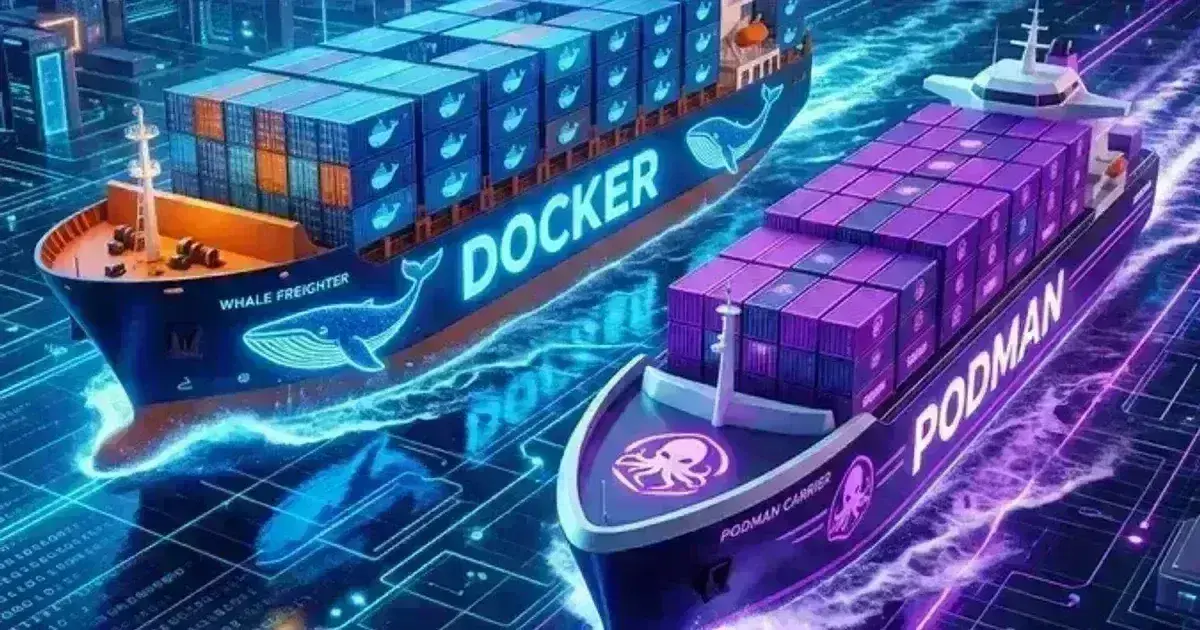
For nearly a decade, "Docker" was synonymous with "Containers." But in 2026, the landscape has fractured. While Docker remains the most popular tool for local development, Podman has emerged as the preferred choice for security-conscious DevOps teams and enterprise Linux environments.
The core difference isn't in what they do (they both run OCI containers), but in how they do it.
The Architecture: Daemon vs. Daemonless
The most significant difference between the two is the underlying architecture.
Docker’s Design
Docker relies on a central daemon (dockerd) that runs as the root user. When you run docker run, your CLI talk to the daemon, which then executes the container.
- The Risk: If the Docker daemon is compromised, the attacker has root access to your entire host. Furthermore, the daemon is a "Single Point of Failure"—if it crashes, all your containers stop.
Podman’s Design
Podman is daemonless. When you run podman run, Podman directly spawns the container process. There is no background service.
- The Benefit: Containers are child processes of the user who started them. There is no central point of failure, and the security model is much simpler to audit.
Rootless Containers: Security by Default
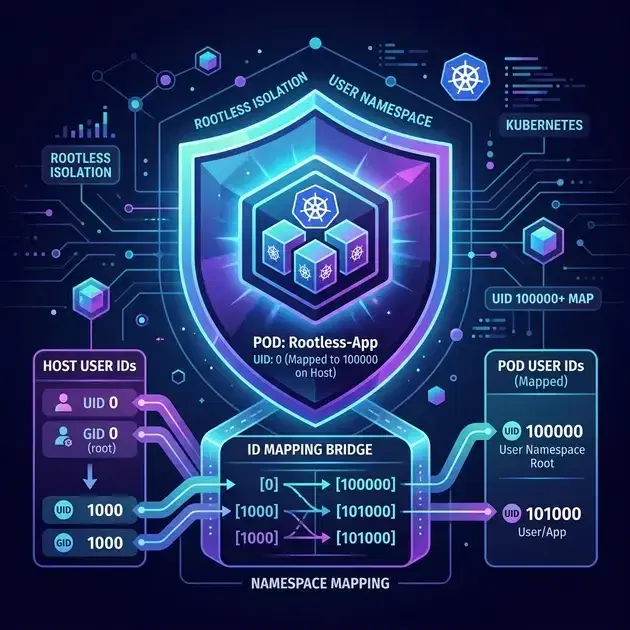
While Docker has added "Rootless Mode" in recent years, it remains an afterthought that can be tricky to configure. Podman was built for rootless operation from day one.
In Podman, a standard user can pull, build, and run containers without ever needing sudo. This is critical for shared development environments and CI/CD runners where you want to minimize privileges.
Kubernetes Synergy
Podman has a "K8s-first" mindset. Two features make it stand out for Kubernetes engineers:
- podman kube generate: You can take a group of running containers on your laptop and instantly generate a valid Kubernetes YAML Pod spec for them. (Note: the old
podman generate kubecommand was removed in Podman v5 — usepodman kube generateinstead.) - podman kube play: You can take a Kubernetes YAML file and run it locally as a pod using Podman, without needing a full K3s or Minikube cluster. (Replaces the removed
podman play kubecommand from Podman v5.)
The Verdict: Which one for your team?
| Feature | Docker | Podman |
|---|---|---|
| Daemon | Yes (dockerd) | No (Direct) |
| Rootless | Opt-in (Complex) | Native (Easy) |
| Desktop Experience | Excellent (Paid for Ent) | Good (Free/OSS) |
| CLI Syntax | docker | podman (1:1 alias) |
| K8s Integration | via third-party | Native kube commands |
Final Recommendation
Stick with Docker if:You have a massive existing library of Compose files, your team is 100% on Mac/Windows, and you value the "most polished" developer experience.
Switch to Podman if:You are running on Linux (RHEL, Fedora, Ubuntu), you have strict security/compliance requirements about root access, or you are heavily invested in the Kubernetes ecosystem.
Lessons from the Field
Pro Tip: The Alias Trap.Many people simply runalias docker=podman. While this works for 95% of commands, it can fail on tools that specifically look for the Docker Unix socket (/var/run/docker.sock). If you are using VS Code Remote Containers or certain CI/CD plugins, you'll need to enable thePodman Socketservice to maintain compatibility.
Frequently Asked Questions
Is Podman 100% compatible with Docker?
For CLI commands, yes. For API-level integration (tools that talk to the Docker daemon), you need to enable the Podman API service. For container images and volumes, they are 100% compatible because they both adhere to the OCI (Open Container Initiative) standards.
Can Podman run Docker Compose files?
Yes! Podman has a tool called podman-compose that is a drop-in replacement for docker-compose. Alternatively, the latest versions of Podman support the original Docker Compose binary by pointing it to the Podman socket.
Hardening your container security? Our security team can help.
For the macOS-native option that arrived more recently, see Apple's container tool on macOS.
Official References
- Container runtimes — the CRI contract and cgroup driver configuration
- Dockerfile best practices — layer caching, image size and build ordering
- Dockerfile reference — every instruction and its semantics
- Linux kernel admin guide — sysctl, cgroups and kernel tunables
Was this article helpful?
Be the first to rate this article
Related Topics
Found this useful? Share it.