VPC Networking: Tailscale vs WireGuard - Which is Right for You?

Quick answer
Comparing the ease of Tailscale's zero-trust mesh with the raw performance of the WireGuard protocol. A guide for DevOps teams moving beyond traditional VPNs.
8 min read · Cloud Engineering
Modern remote work and distributed infrastructure have made traditional hub-and-spoke VPNs obsolete. As teams move toward Zero Trust architectures, two names dominate the conversation: Tailscale and WireGuard.
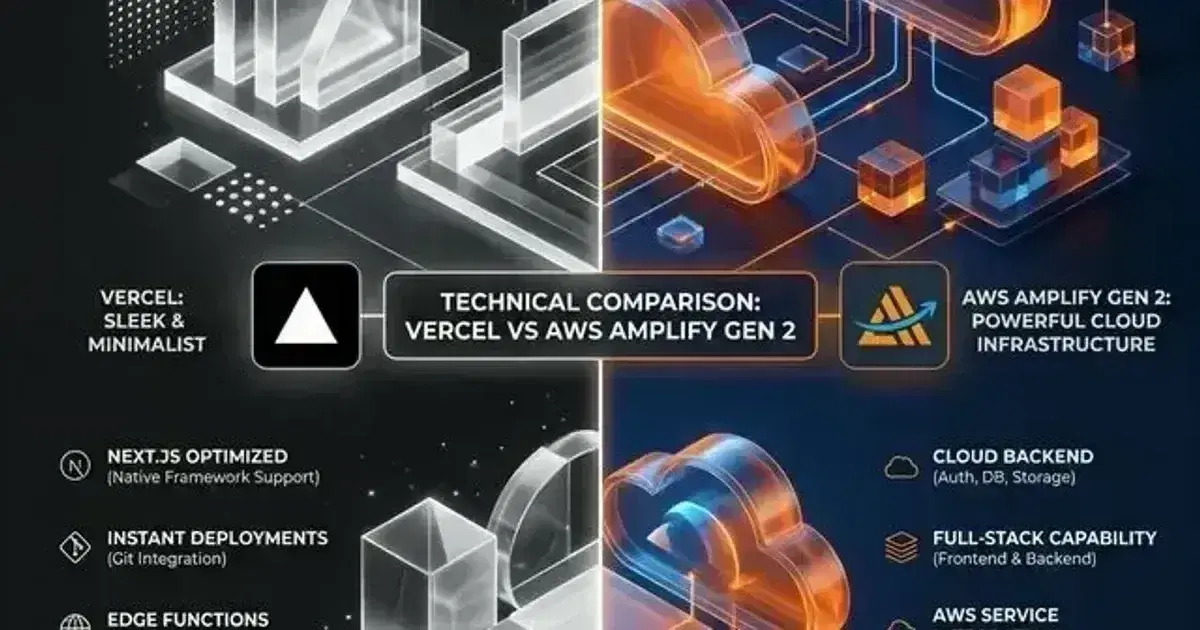
But here’s the catch: it’s not exactly an apples-to-apples comparison. WireGuard is a revolutionary open-source communication protocol, while Tailscale is a managed service built on top of that protocol.
What is WireGuard?
WireGuard is a extremely simple yet extremely fast and modern VPN that utilizes state-of-the-art cryptography. It aims to be faster, simpler, leaner, and more useful than IPsec, while avoiding the "hell" of OpenSSL.
The Pros:
- Raw Performance: Because it lives in the Linux kernel, WireGuard has almost zero overhead. It’s significantly faster than OpenVPN or IPsec.
- Simplicity: The entire codebase is under 4,000 lines, making it easily auditable and highly secure.
- 100% Free: No monthly fees, no limits, just pure open-source code.
The Cons:
- Key Management: You have to manually exchange public keys between every device.
- NAT Traversal: WireGuard requires you to open ports on your firewall. If you’re behind a double-NAT (like at a hotel or coffee shop), it won't work without a central relay.
- No Identity: It doesn't know who "Ajeet" is. It only knows a public key.
Want to see exactly what that key management looks like in practice? I've written a step-by-step tutorial on self-hosting a WireGuard VPN server — keys, configs, NAT, and clients, with every line explained.
What is Tailscale?
Tailscale takes the raw power of WireGuard and adds a "Control Plane" that handles the hard parts of networking.
The Pros:
- Magic NAT Traversal: Using STUN and DERP relays, Tailscale handles NAT traversal automatically. It "just works" on any network without opening ports.
- SSO Integration: It integrates directly with Okta, Google, and Microsoft. Access is granted based on your corporate identity, not just a key on a laptop.
- Mesh Networking: Tailscale builds a full mesh. Instead of all traffic flowing through a bottleneck server, devices talk directly to each other.
The Cons:
- Proprietary Core: While the client is open source, the coordination server (the "brain") is proprietary.
- Price: Personal use is genuinely free — the April 2026 pricing overhaul expanded the free Personal plan to 6 users with unlimited personal devices (and retired the paid Personal Plus tier). For teams, though, seat-based pricing adds up as you scale users.
- Performance Overhead: On Linux 5.6+, Tailscale uses the native kernel WireGuard module directly; on older kernels or non-Linux platforms it falls back to wireguard-go (userspace). The fallback path is slightly slower than kernel-native, though usually imperceptible for most workloads.
Curious how fast the setup really is? The Tailscale setup tutorial goes from zero to a working private network — MagicDNS, tailnet-only SSH, and an exit node — in about 30 minutes.
AWS Cost & Architecture Review Checklist
The questions we ask in a paid AWS review — rightsizing, storage classes, network egress, and the usual five-figure surprises. Plain Markdown.
Free. Instant download. You'll also get the occasional deep-dive from the newsletter — unsubscribe anytime.
The Verdict: Which should you choose?
Use WireGuard if:You are building high-performance site-to-site tunnels between static servers where you have full control over the firewall, and you want zero dependencies on third-party services.
Use Tailscale if:You are managing a team of developers who need secure access to internal resources from unpredictable networks (home, cafe, office). The productivity gain from "Zero-Config" connectivity far outweighs the subscription cost.
Whichever side you land on, there's a hands-on tutorial to get you running: set up Tailscale (beginner, ~30 min) or self-host a WireGuard server (intermediate, ~45 min).
Lessons from the Field
Pro Tip:If you're building a distributed K8s cluster across providers (e.g. AWS and GCP nodes), useTailscale's Kubernetes Operator. It handles the routing between nodes automatically and integrates with Kubernetes Service discovery, making multi-cloud networking feel like a single VPC.
Frequently Asked Questions
Is Tailscale free for personal use?
Yes — and more generously than it used to be. As of the April 2026 pricing update, the free Personal plan covers up to 6 users with no limit on personal devices, including exit nodes, MagicDNS, and ACLs. The paid Personal Plus tier was retired outright. For a homelab or family setup, you're unlikely to hit any paid wall — the Tailscale setup tutorial runs entirely on the free plan.
Is Tailscale just a wrapper for WireGuard?
Yes and no. It uses the WireGuard protocol for the actual data tunnel, but it adds a proprietary control plane that coordinates key exchange, handles NAT traversal (via STUN and DERP relays), provides MagicDNS name resolution, and integrates with your identity provider (SSO).
Does Tailscale impact battery life on mobile devices?
Tailscale's mobile app is optimized for power consumption, but since it maintains a persistent tunnel, you may see a 2-5% increase in battery usage compared to not using a VPN. However, it's significantly more efficient than older protocols like OpenVPN.
Can I use my own coordination server instead of Tailscale's?
If you want the Tailscale experience but with 100% self-hosting, check out Headscale. It's an open-source implementation of the Tailscale coordination server that works with official Tailscale clients.
Need help securing your internal network? Contact our platform team.
Was this article helpful?
Be the first to rate this article
Related Topics
Found this useful? Share it.