OpenTelemetry Collector: Unified Telemetry Pipeline for Kubernetes

Quick answer
The OpenTelemetry Collector is the vendor-neutral hub of a modern observability pipeline: it receives traces, metrics, and logs from instrumented applications, processes and enriches them, and exports to any backend (Jaeger, Grafana Tempo, Prometheus, Loki, Datadog, New Relic). Running it in Kubernetes as a DaemonSet and Deployment covers both node-level and application-level telemetry collection.
- Collector Architecture
- Installation via Helm
- DaemonSet Configuration (Node-Level)
- Gateway Deployment Configuration
- Sending from Applications
14 min read · Observability
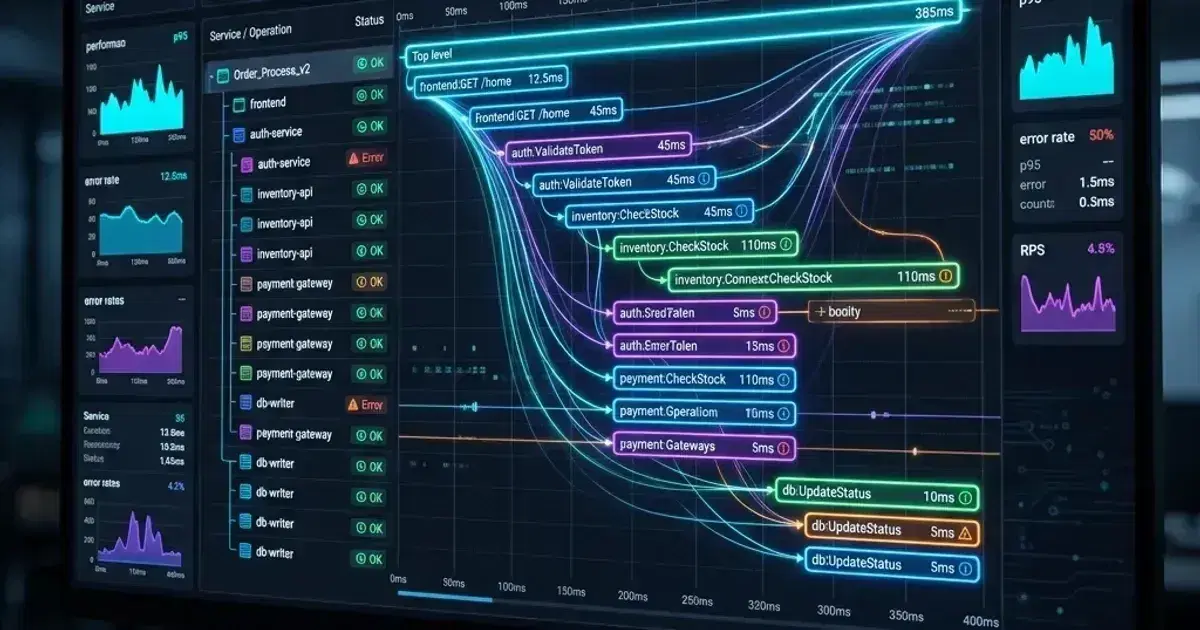
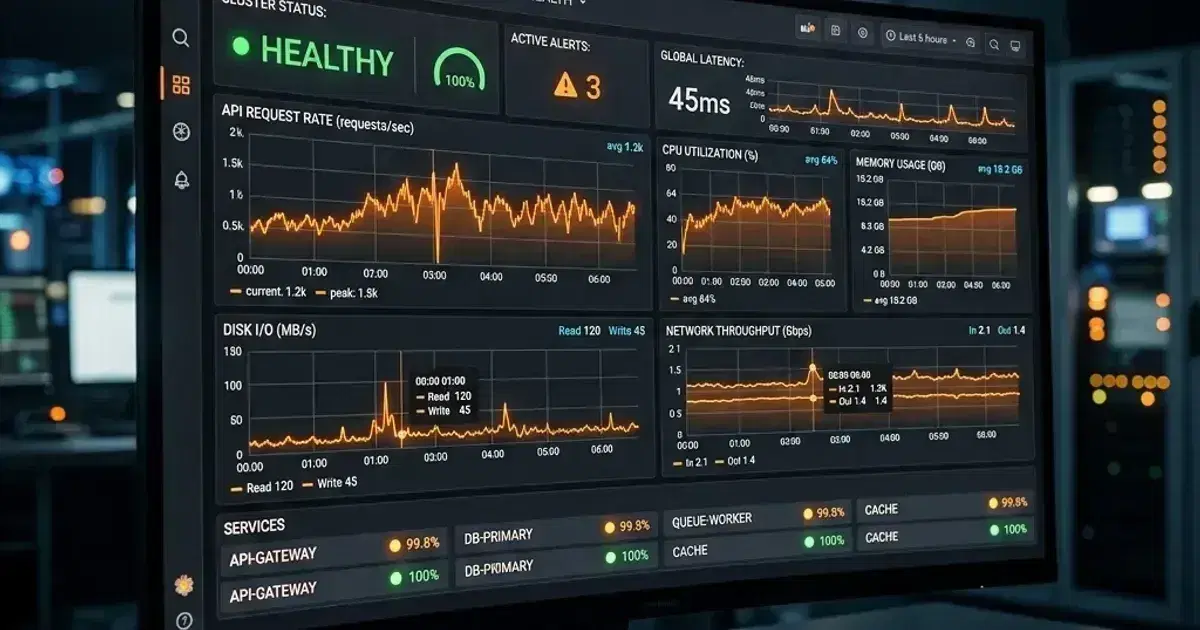
The OpenTelemetry Collector is a CNCF-graduated component that decouples your applications from their observability backends. Applications send OTLP (OpenTelemetry Protocol) to the Collector; the Collector processes, transforms, and routes the data to wherever it needs to go — Prometheus for metrics, Tempo/Jaeger for traces, Loki for logs. Changing backends requires a Collector config change, not application code changes.
On Kubernetes, the Collector runs in two deployment patterns that complement each other: DaemonSet for infrastructure telemetry (node metrics, kubelet stats, host logs), and Deployment for application telemetry (traces, custom metrics sent over OTLP).
Collector Architecture
Applications / Kubernetes components
    ↓ OTLP / Prometheus / File / Kubelet
OpenTelemetry Collector (DaemonSet + Deployment)
    ├── Receivers    — ingest from multiple sources
    ├── Processors   — batch, filter, enrich, sample
    └── Exporters    — send to Prometheus, Tempo, Loki, etc.
The Collector pipeline is configured as a YAML directed graph:
receiver[A] → processor[batch, k8sattributes, resource] → exporter[B]
Multiple pipelines (traces, metrics, logs) run in the same Collector instance.
Installation via Helm
1helm repo add open-telemetry https://open-telemetry.github.io/opentelemetry-helm-charts
2helm repo update
3
4# DaemonSet mode — node-level collection
5helm install otel-collector-daemonset open-telemetry/opentelemetry-collector \
6  --namespace monitoring \
7  --values otel-daemonset-values.yaml
8
9# Deployment mode — gateway for application OTLP
10helm install otel-collector-gateway open-telemetry/opentelemetry-collector \
11  --namespace monitoring \
12  --values otel-gateway-values.yaml
DaemonSet Configuration (Node-Level)
1# otel-daemonset-values.yaml
2mode: daemonset
3
4image:
5  repository: otel/opentelemetry-collector-contrib   # Contrib image has more receivers/exporters
6  tag: "0.104.0"
7
8config:
9  receivers:
10    # Kubernetes node metrics via kubelet API
11    kubeletstats:
12      collection_interval: 30s
13      auth_type: serviceAccount
14      endpoint: "${env:K8S_NODE_NAME}:10250"
15      insecure_skip_verify: true
16      metric_groups:
17        - container
18        - pod
19        - node
20        - volume
21      extra_metadata_labels:
22        - container.id
23
24    # Host metrics (CPU, memory, disk, network) from the node
25    hostmetrics:
26      collection_interval: 30s
27      scrapers:
28        cpu:
29        memory:
30        disk:
31        network:
32        filesystem:
33          exclude_mount_points:
34            mount_points: ["/dev/*", "/proc/*", "/sys/*", "/run/k3s/containerd/*"]
35            match_type: regexp
36        load:
37
38    # Receive OTLP from application pods on the same node
39    otlp:
40      protocols:
41        grpc:
42          endpoint: 0.0.0.0:4317
43        http:
44          endpoint: 0.0.0.0:4318
45
46    # Kubernetes events
47    k8s_events:
48      namespaces: []    # All namespaces
49
50  processors:
51    batch:
52      timeout: 10s
53      send_batch_size: 1000
54
55    # Enrich all telemetry with Kubernetes metadata (namespace, pod name, node, labels)
56    k8sattributes:
57      auth_type: serviceAccount
58      passthrough: false
59      extract:
60        metadata:
61          - k8s.namespace.name
62          - k8s.pod.name
63          - k8s.pod.uid
64          - k8s.node.name
65          - k8s.deployment.name
66          - k8s.statefulset.name
67          - k8s.daemonset.name
68        labels:
69          - tag_name: app
70            key: app
71            from: pod
72          - tag_name: team
73            key: team
74            from: pod
75      pod_association:
76        - sources:
77            - from: resource_attribute
78              name: k8s.pod.ip
79        - sources:
80            - from: connection
81
82    memory_limiter:
83      limit_mib: 400
84      spike_limit_mib: 128
85      check_interval: 5s
86
87    resourcedetection:
88      detectors: [env, system, eks]    # Add AWS/EKS resource attributes
89      timeout: 5s
90
91  exporters:
92    # Metrics → Prometheus remote write (or use prometheusremotewrite exporter)
93    prometheusremotewrite:
94      endpoint: http://kube-prometheus-stack-prometheus.monitoring:9090/api/v1/write
95      resource_to_telemetry_conversion:
96        enabled: true    # Convert resource attributes to metric labels
97
98    # Traces → Grafana Tempo
99    otlp/tempo:
100      endpoint: tempo-distributor.monitoring:4317
101      tls:
102        insecure: true
103
104    # Logs → Loki
105    loki:
106      endpoint: http://loki-gateway.monitoring/loki/api/v1/push
107      default_labels_enabled:
108        exporter: false
109        job: true
110      labels:
111        resource:
112          k8s.namespace.name: "namespace"
113          k8s.pod.name: "pod"
114          app: "app"
115
116  service:
117    pipelines:
118      metrics:
119        receivers: [kubeletstats, hostmetrics, otlp]
120        processors: [memory_limiter, k8sattributes, resourcedetection, batch]
121        exporters: [prometheusremotewrite]
122      traces:
123        receivers: [otlp]
124        processors: [memory_limiter, k8sattributes, resourcedetection, batch]
125        exporters: [otlp/tempo]
126      logs:
127        receivers: [otlp, k8s_events]
128        processors: [memory_limiter, k8sattributes, resourcedetection, batch]
129        exporters: [loki]
130
131# DaemonSet — needs host path access for hostmetrics
132extraVolumes:
133  - name: hostfs
134    hostPath:
135      path: /
136extraVolumeMounts:
137  - name: hostfs
138    mountPath: /hostfs
139    readOnly: true
140
141# RBAC for kubeletstats and k8sattributes
142clusterRole:
143  create: true
144  rules:
145    - apiGroups: [""]
146      resources: ["pods", "nodes", "endpoints", "namespaces", "services"]
147      verbs: ["get", "list", "watch"]
148    - apiGroups: ["apps"]
149      resources: ["replicasets"]
150      verbs: ["get", "list", "watch"]
151    - apiGroups: ["events.k8s.io"]
152      resources: ["events"]
153      verbs: ["get", "list", "watch"]
154
155tolerations:
156  - operator: Exists    # Run on all nodes including tainted
157
158resources:
159  requests:
160    cpu: 100m
161    memory: 200Mi
162  limits:
163    cpu: 500m
164    memory: 500Mi
Observability Cost Control Checklist
Cardinality, retention, sampling, and pipeline checks that keep metrics/logs/traces bills sane. Plain Markdown you can commit to your repo.
Free. Instant download. You'll also get the occasional deep-dive from the newsletter — unsubscribe anytime.
Gateway Deployment Configuration
The gateway Collector receives OTLP from applications across the cluster and routes it:
1# otel-gateway-values.yaml
2mode: deployment
3
4replicaCount: 2
5
6config:
7  receivers:
8    otlp:
9      protocols:
10        grpc:
11          endpoint: 0.0.0.0:4317
12        http:
13          endpoint: 0.0.0.0:4318
14
15  processors:
16    memory_limiter:
17      limit_mib: 512
18      spike_limit_mib: 128
19      check_interval: 5s
20
21    batch:
22      timeout: 5s
23      send_batch_size: 10000
24
25    # Tail-based sampling: sample 10% of successful traces, 100% of error traces
26    tail_sampling:
27      decision_wait: 10s
28      num_traces: 100000
29      expected_new_traces_per_sec: 1000
30      policies:
31        - name: errors-policy
32          type: status_code
33          status_code:
34            status_codes: [ERROR]   # Always sample traces with errors
35        - name: slow-requests-policy
36          type: latency
37          latency:
38            threshold_ms: 1000      # Always sample requests > 1s
39        - name: probabilistic-policy
40          type: probabilistic
41          probabilistic:
42            sampling_percentage: 10  # Sample 10% of everything else
43
44    k8sattributes:
45      auth_type: serviceAccount
46      passthrough: false
47      extract:
48        metadata:
49          - k8s.namespace.name
50          - k8s.pod.name
51          - k8s.deployment.name
52          - k8s.node.name
53
54  exporters:
55    otlp/tempo:
56      endpoint: tempo-distributor.monitoring:4317
57      tls:
58        insecure: true
59
60  service:
61    pipelines:
62      traces:
63        receivers: [otlp]
64        processors: [memory_limiter, k8sattributes, tail_sampling, batch]
65        exporters: [otlp/tempo]
Sending from Applications
Applications send OTLP to the DaemonSet Collector on the same node using the node IP (injected via downward API):
1env:
2  - name: OTEL_EXPORTER_OTLP_ENDPOINT
3    value: "http://$(HOST_IP):4317"    # DaemonSet Collector on the same node
4  - name: HOST_IP
5    valueFrom:
6      fieldRef:
7        fieldPath: status.hostIP
8  - name: OTEL_SERVICE_NAME
9    value: "payments-api"
10  - name: OTEL_RESOURCE_ATTRIBUTES
11    value: "service.namespace=production,deployment.environment=production"
For high-volume services, send to the gateway Deployment instead (load-balanced across the gateway replicas):
  - name: OTEL_EXPORTER_OTLP_ENDPOINT
    value: "http://otel-collector-gateway.monitoring:4317"
Frequently Asked Questions
What's the difference between DaemonSet and Deployment modes?
DaemonSet runs one Collector per node — ideal for collecting node-level metrics (kubelet, host) and for receiving OTLP from pods on the same node with low latency. Deployment runs a fixed number of replicas — ideal for a central gateway that aggregates traces for tail-based sampling (which requires seeing all spans of a trace, so they must go to the same instance). Use both: DaemonSet for local data collection, Deployment gateway for trace aggregation.
How do I debug Collector configuration issues?
1# Check Collector logs
2kubectl logs -n monitoring daemonset/otel-collector-daemonset --tail=50
3
4# Enable internal metrics (Collector reports its own queue sizes, dropped data, errors)
5# In service.telemetry:
6service:
7  telemetry:
8    metrics:
9      level: detailed
10      address: 0.0.0.0:8888   # Prometheus metrics endpoint
Can I use the Collector with Istio sidecar?
Yes, but configure OTLP receivers to listen on 0.0.0.0 and ensure the port is included in the Istio exclude ports annotation if you're using mTLS — the Collector's OTLP receiver doesn't speak mTLS. Alternative: use the gateway pattern where the Collector is outside the mesh and applications send OTLP before the Envoy sidecar.
For the distributed tracing backend (Grafana Tempo) that receives traces from this Collector, see the OpenTelemetry Instrumentation Guide. For Prometheus metrics that complement OTLP metrics from the Collector, see Prometheus Operator: ServiceMonitor, AlertManager, and Production Monitoring. For the full production Prometheus and Grafana stack this Collector integrates with, see Prometheus and Grafana on Kubernetes: Production Monitoring Stack. For the observability hub tying Prometheus, Grafana, and OpenTelemetry together, see Kubernetes Observability: Prometheus, Grafana, and OpenTelemetry in Production. For log shipping that the Collector can complement or replace, see Kubernetes Logging with Fluent Bit and Grafana Loki.
Building a unified observability pipeline for a Kubernetes platform? Talk to us at Coding Protocols — we help platform teams design OpenTelemetry Collector deployments that centralize telemetry collection without lock-in to a specific observability vendor.
Official References
- OpenTelemetry documentation — the SDK, collector and semantic conventions
- OpenTelemetry Collector configuration — receivers, processors, exporters and pipelines
Was this article helpful?
Be the first to rate this article
Related Topics
Found this useful? Share it.